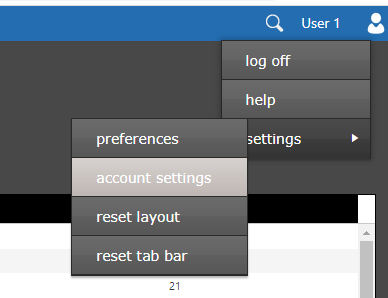
The 'account settings' window allows you to change your email address, password, authenticator and security questions. This window is accessed by clicking the user name field in the top right corner of the window. This will display the user menu. Select 'settings', then 'account settings'.
The 'account settings' window will be displayed. The first tab, settings, allows you to change the name and email address associated with your account. You cannot change your login name. Make any changes and click the save button when you are done.
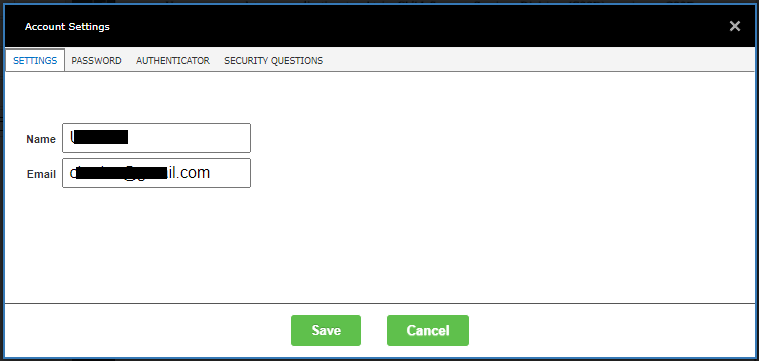
Information about the remaining tabs can be found under Related Topics.