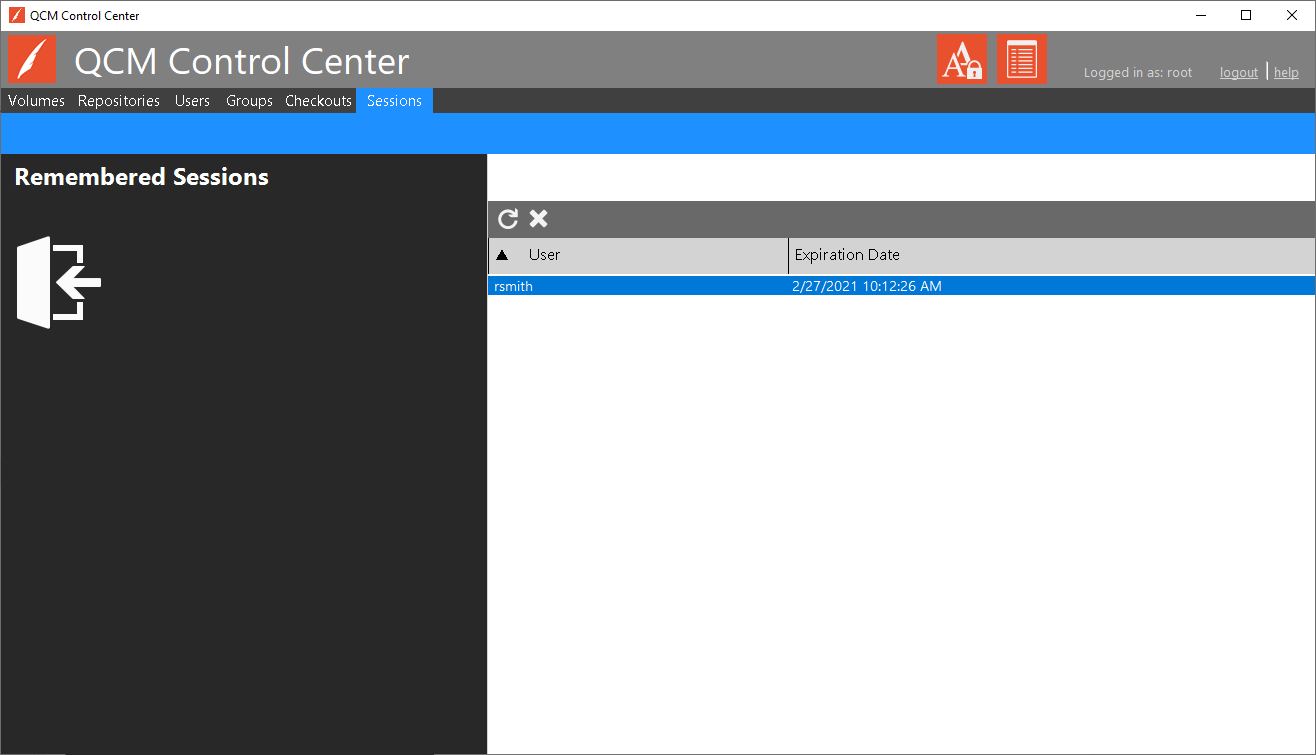
Remembered sessions are managed through the QCM Control Center on the Sessions tab.
Sessions are added when a user selects the 'Remember Me' option when logging in to the QCM Web Client. A remembered session allows the user to skip the login dialog the next time the QCM Web Client is loaded. Use the refresh and delete options to manage remembered sessions.