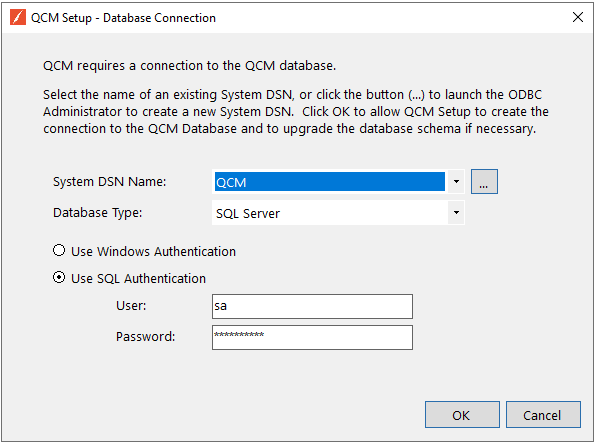
Note: Be sure that the authentication option chosen in the ODBC Data Source Administrator matches the authentication option chosen in the Database Connection Utility.
Note: This account should have access to SQL DML commands.
It is recommended to use Windows Authentication. The QCM Web Server will then connect using the account assigned as the Application Pool's Identity. The utility will upgrade the QCM database if needed. Once the database connections have been set, the web site can be configured.
Next Steps